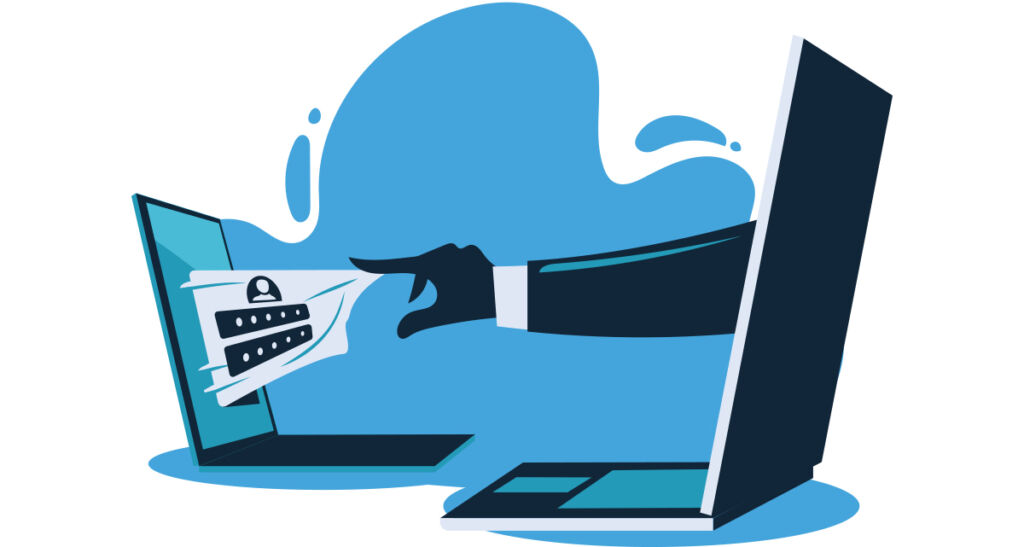
Scammers Impersonate:
- Telecommunication companies
- Computer/Tech, Banking, Investment Companies
- Government agencies
…to gain remote access to your computer via phone, text or email. Genuine companies will never ask for remote access to your online banking.
Scammers May Use Reasons Such As:
- Your computer is sending an error message.
- Internet connection problems within your area.
- Your computer has a virus.
- Fraudulent bank account activities have been suspected.
Tricking you into downloading software providing the scammer with full access to your computer and personal information.
Protect Yourself:
- Never give callers remote access to your computer.
- Never share passwords.
- Never click on unusual links, pop ups or attachments.
- Hang up, call organisations back using trusted numbers from their official website.
- Never provide personal, credit card or online account details over the phone unless you have made the call and it’s a trusted source.
- Ensure your computer is protected with anti-virus and anti-spyware software and a firewall. ONLY purchase software from trusted sources.
Report To:
Scamwatch: www.scamwatch.gov.au/report-a-scam
If Scammed:
Contact your bank immediately!
Call Police Assistance Line on 131 444.
Or report at www.cyber.gov.au/report-and-recover